How to Remove Parked Domains/Aliases in cPanel
If you no longer need an Alias domain (formerly known as a parked domain), you can easily remove it from your cPanel account in just a few steps.
Removing an alias domain will stop it from displaying your primary website content.
Follow These Steps to Delete an Alias Domain
Step 1: Log in to cPanel
Access your hosting account and log in to your cPanel dashboard.
Step 2: Open the Domains Section
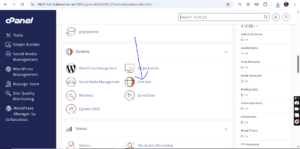
Scroll to the Domains section and click on Domains.
Step 3: Locate the Alias Domain
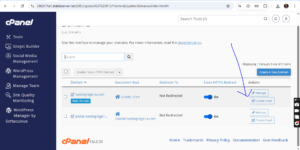
Under the List of Domains, find the alias domain you want to remove.
Click the Manage button next to the domain name.
Step 4: Remove the Domain
Click on Remove Domain and confirm the action when prompted.
Alias Domain Successfully Removed
Once completed, you should see a confirmation message indicating that the parked/alias domain has been removed successfully.
The domain will no longer point to your primary website.