
How to buy Hosting
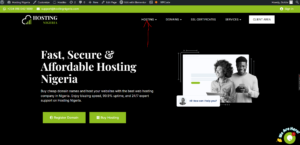
Step 1: Go to hostingnigeria.com
Step 2: Click on Hosting and select your preferred hosting (Web hosting, WordPress or Temporary Hosting.)
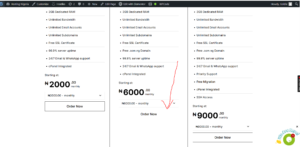
Step 3: Scroll down, pick your desired plan and click order now.
Step 4: Choose the domain you want the hosting on;
Choose the first, if you don’t have a domain, you’d have to purchase one too.
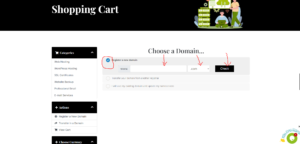
Choose the third if you have a domain already, fill in the name and extension(.com, .org, .ng)
Then click Use
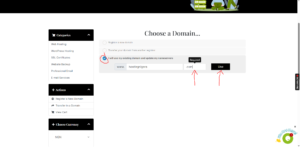
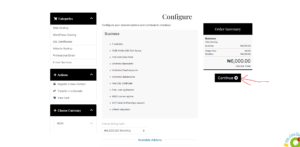
Step 5: Click on Continue.
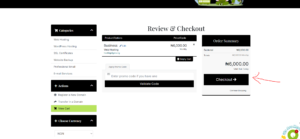
Step 6: Here you’ll see a review of the hosting you’re about to purchase.
Once satisfied with it, click on checkout.
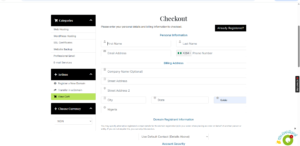
Step 7: Here you’ll be required to enter your personal details and billing information to checkout.
Fill in accordingly, and click on complete order when done.
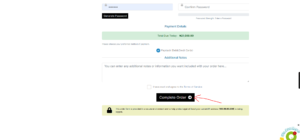
Step 8: Choose your preferred payment option and proceed to payment.
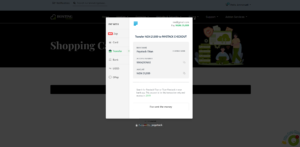
Step 9: Once completed and confirmed, you’ll receive a confirmatory message via email.