How to add DNS Record from Client Area
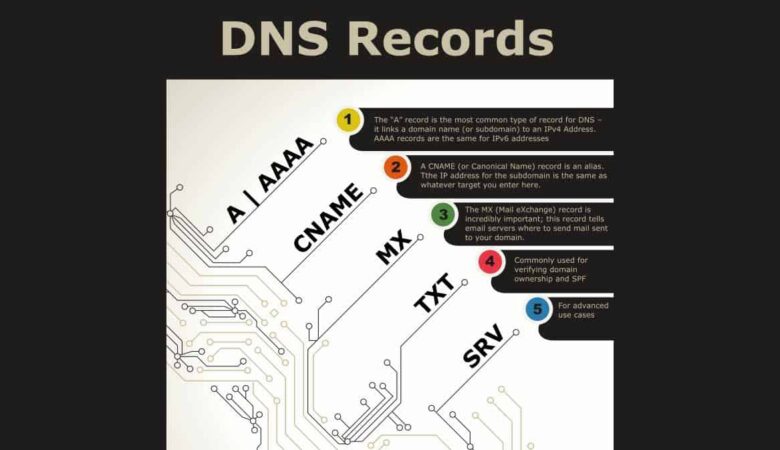
June 23, 2026Step 1: Login to your Client area dashboard from our website homepage. Step 2: Click on Domains. Step 3: Select the particular domain you want to add DNS record to. Step 4: Click on DNS Management. Step 5: Select your preferred Record type, fill in the necessary details and click Save changes when done.